Home Quick Video Tutorials on How to Use Food Label Maker
Food Label Maker Video Tutorials
Step-by-step videos to help you build compliant labels, manage recipes, and get the most out of every feature.
-
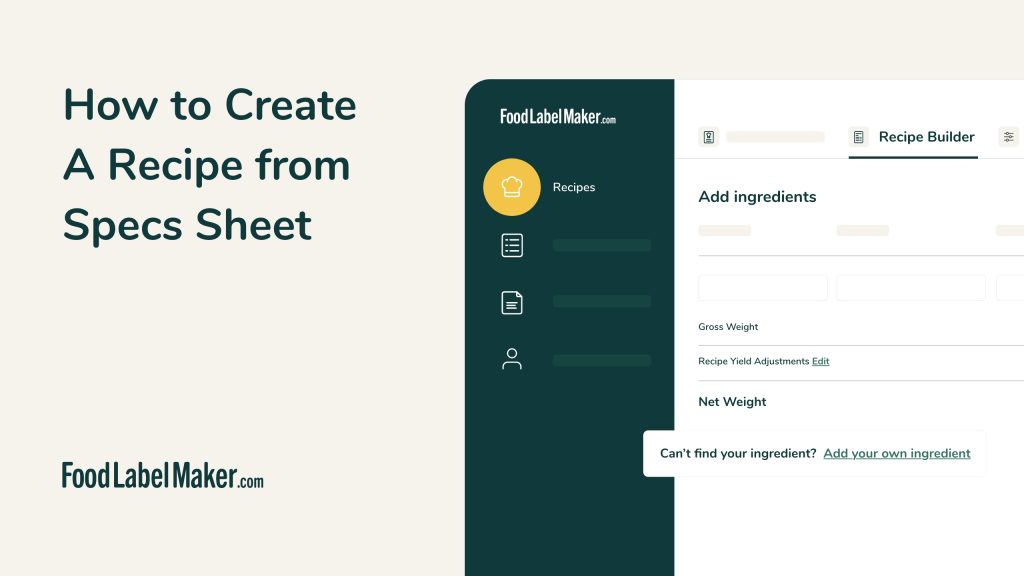
- How to Create a Recipe from Specs Sheet (01:48)
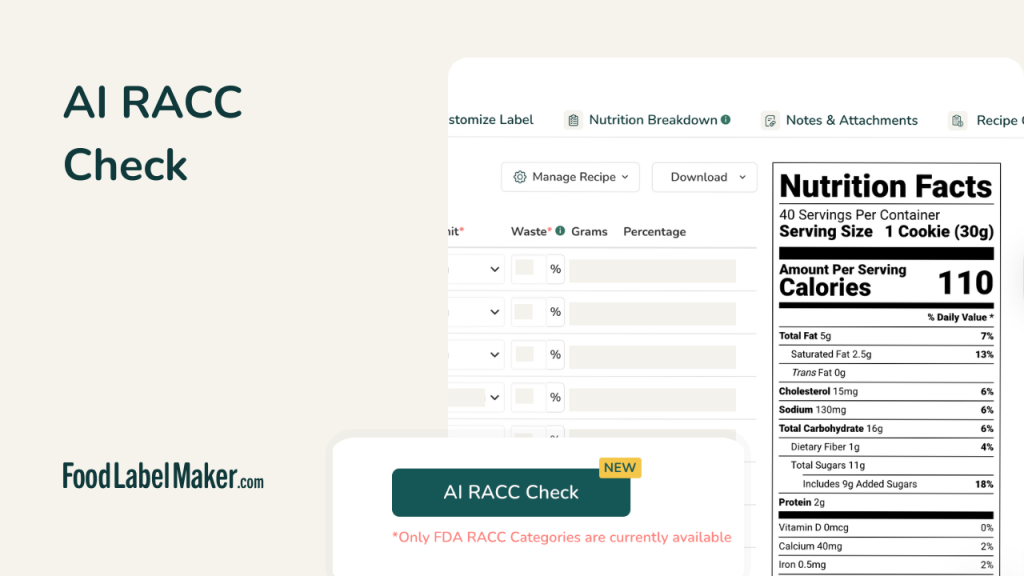
- AI RACC Check (01:03)
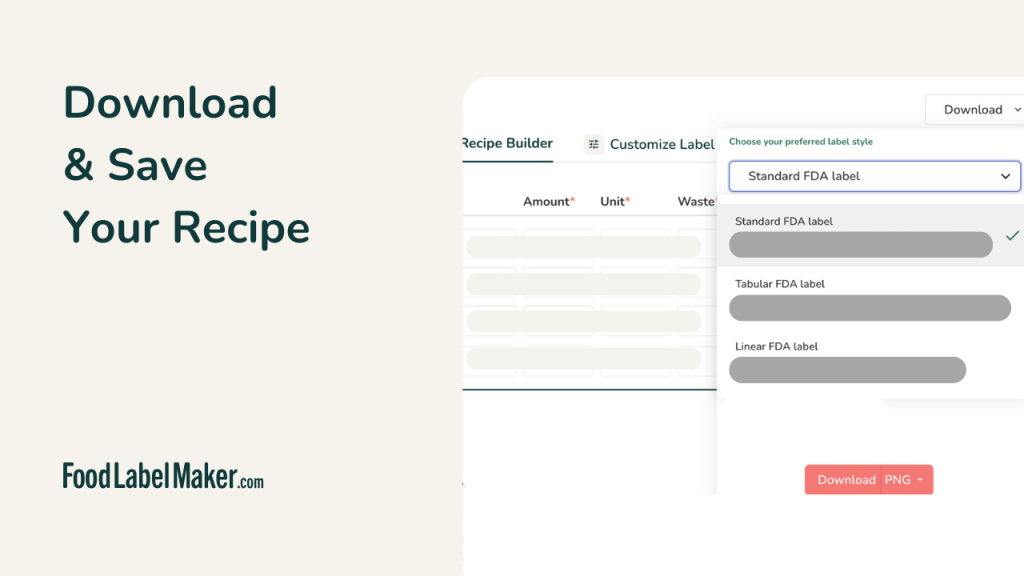
- Download and Save Your Recipe (00:15)
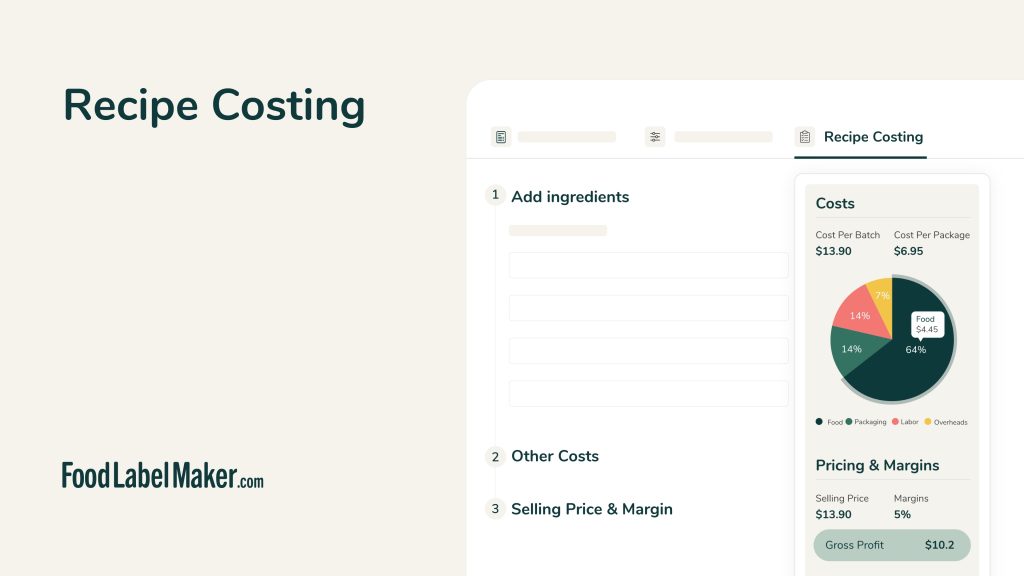
- Recipe Costing (02:38)
-
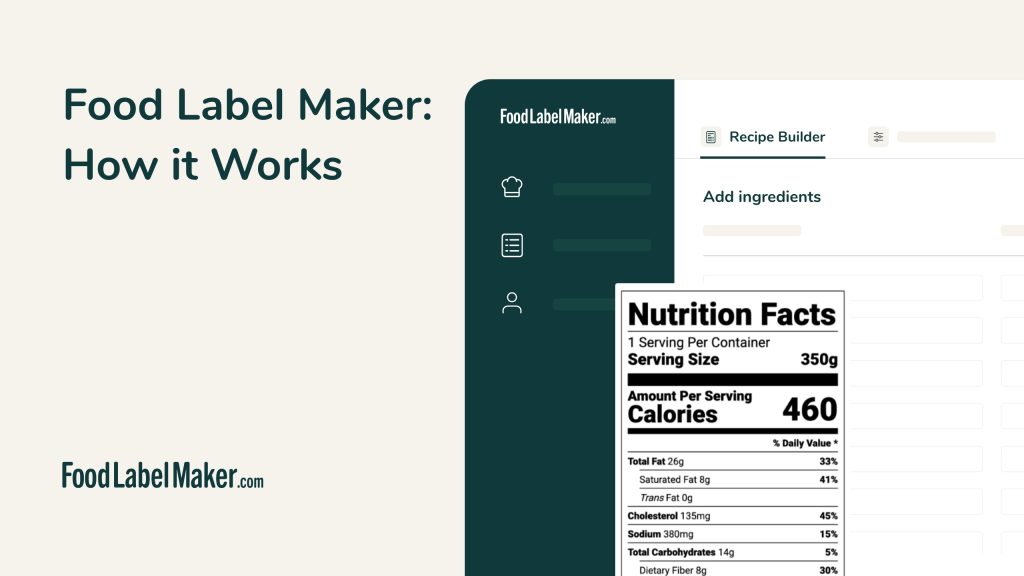
- FLM Overview: How it works (03:00)
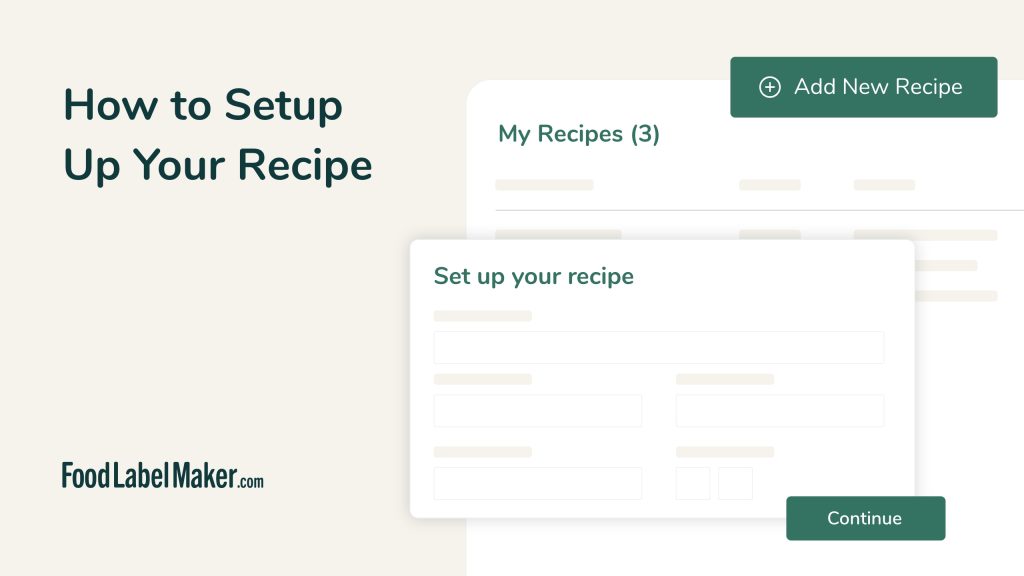
- How to Setup Your Recipe (02:10)
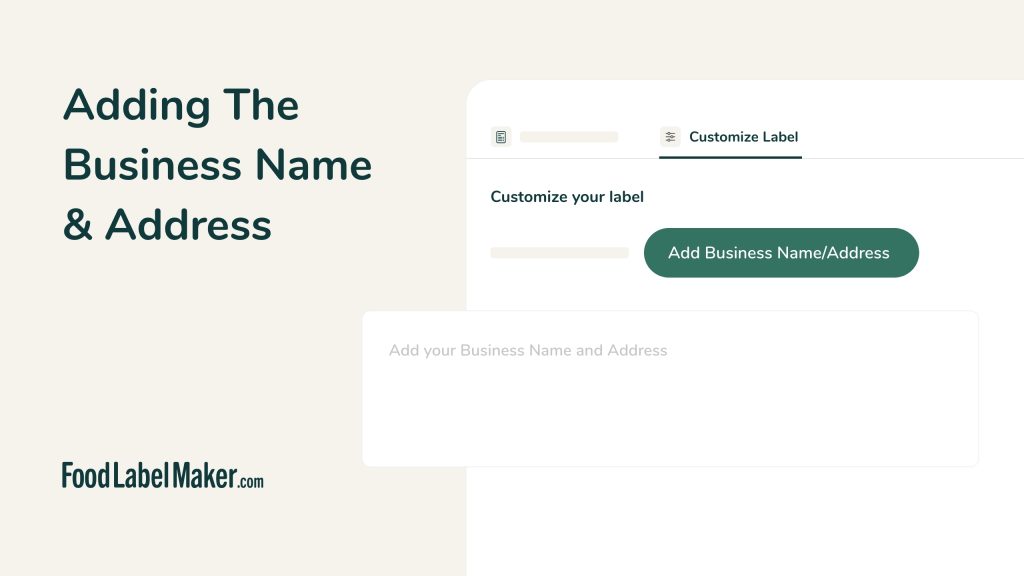
- Adding Your Business Name and Address (00:29)
-
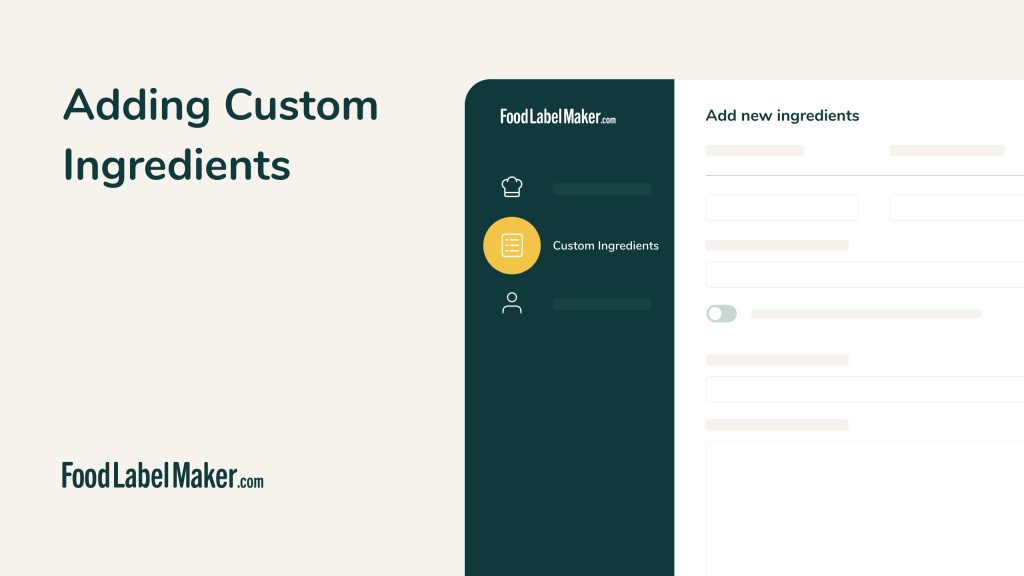
- Adding Custom Ingredients (00:41)
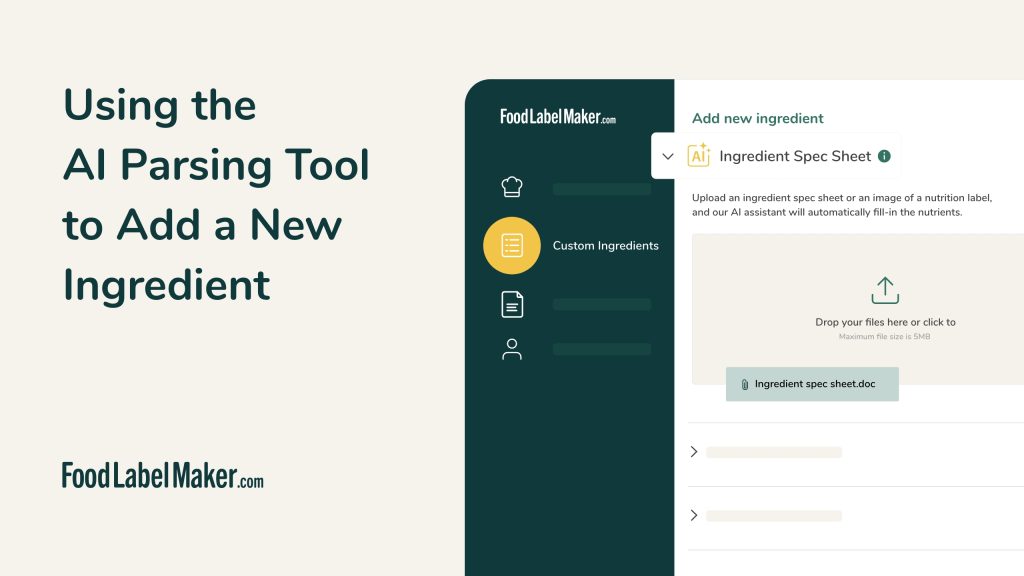
- Using the AI Parsing Tool to Add a New Ingredient (01:14)
- AI Density Conversion (01:55)
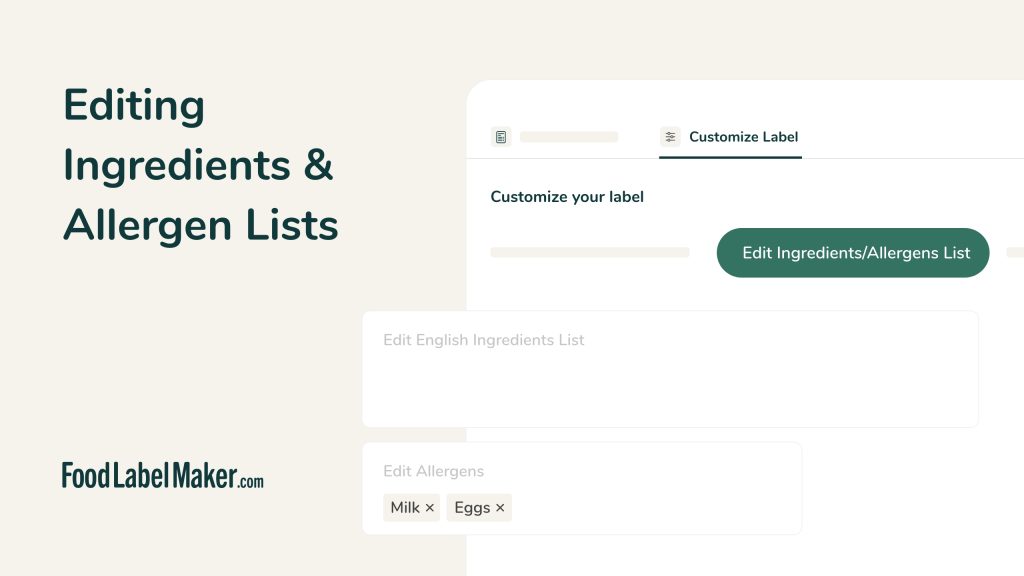
- Editing Ingredients & Allergen Lists (00:31)
- How to Create a Recipe from Specs Sheet (01:48)
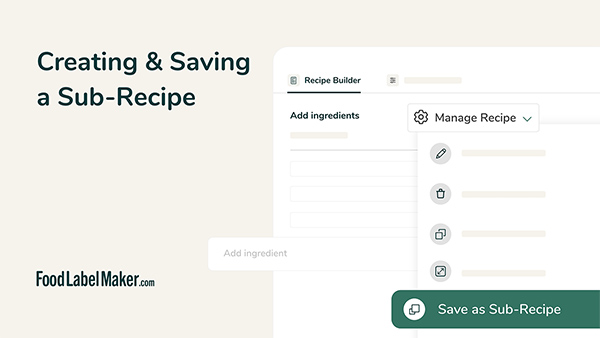
- Creating and Saving Sub Recipes (01:01)
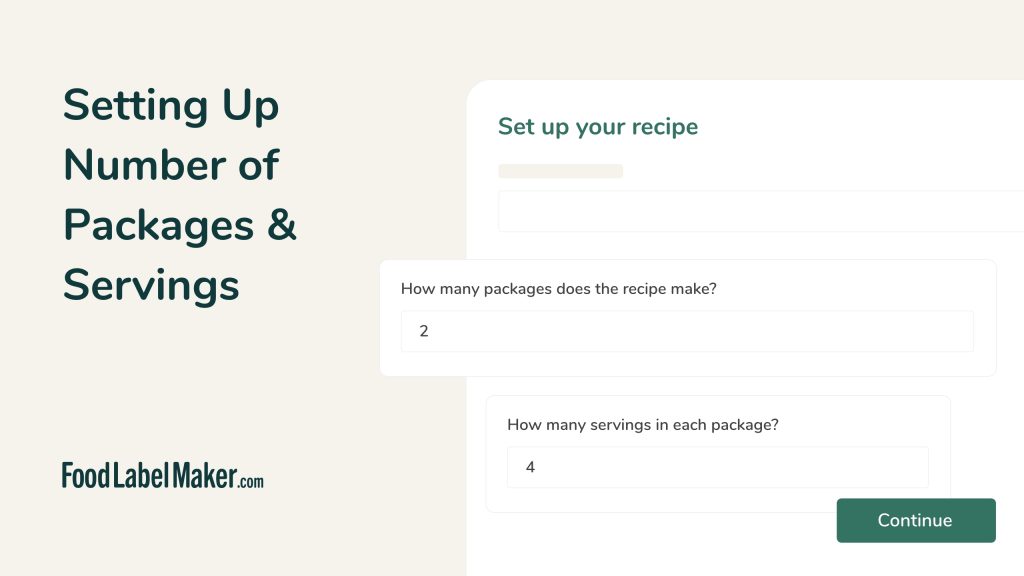
- Setting up Number of Packages & Servings (01:23)
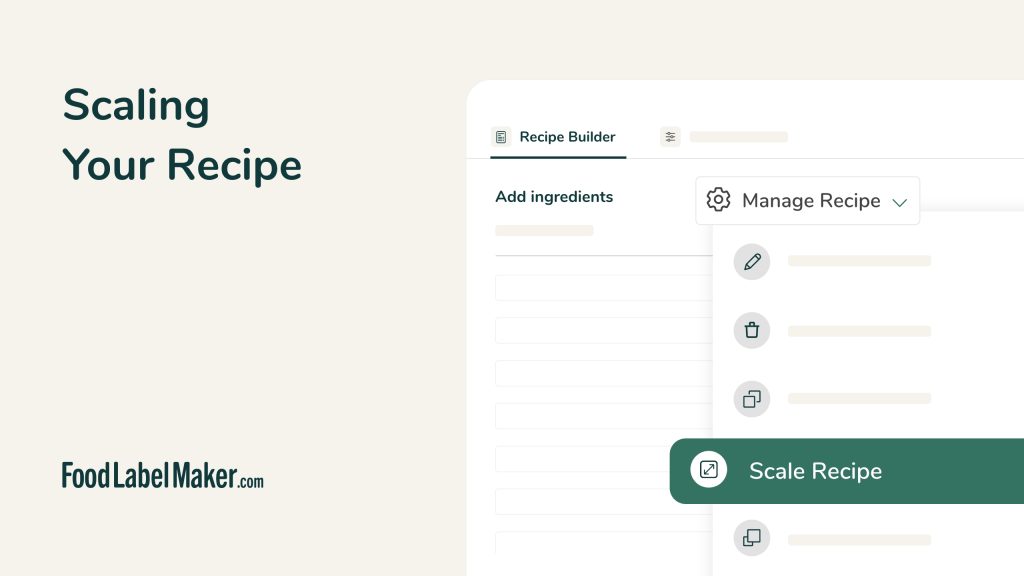
- Scaling Your Recipe (00:58)
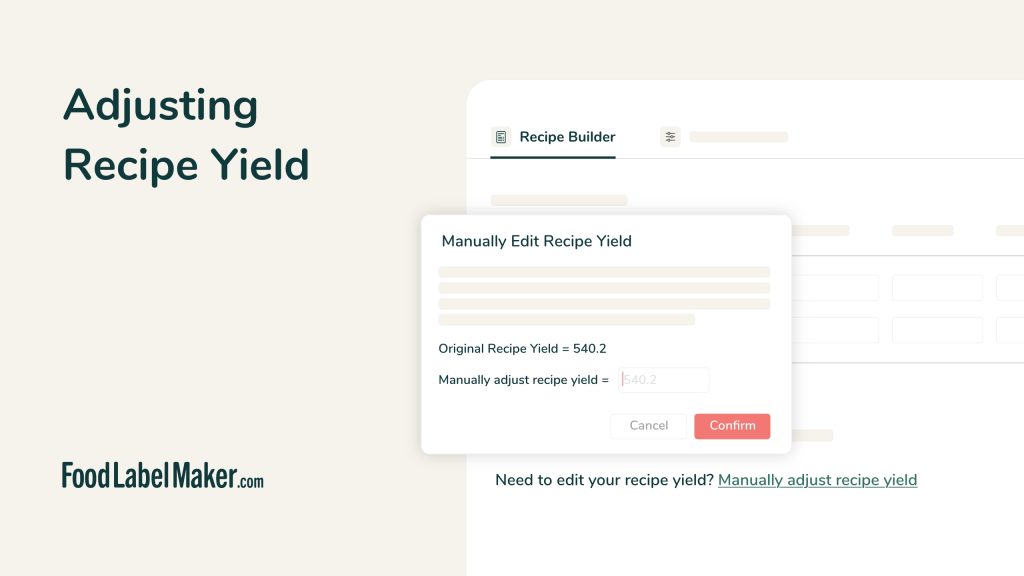
- Adjusting Recipe Yield (00:52)
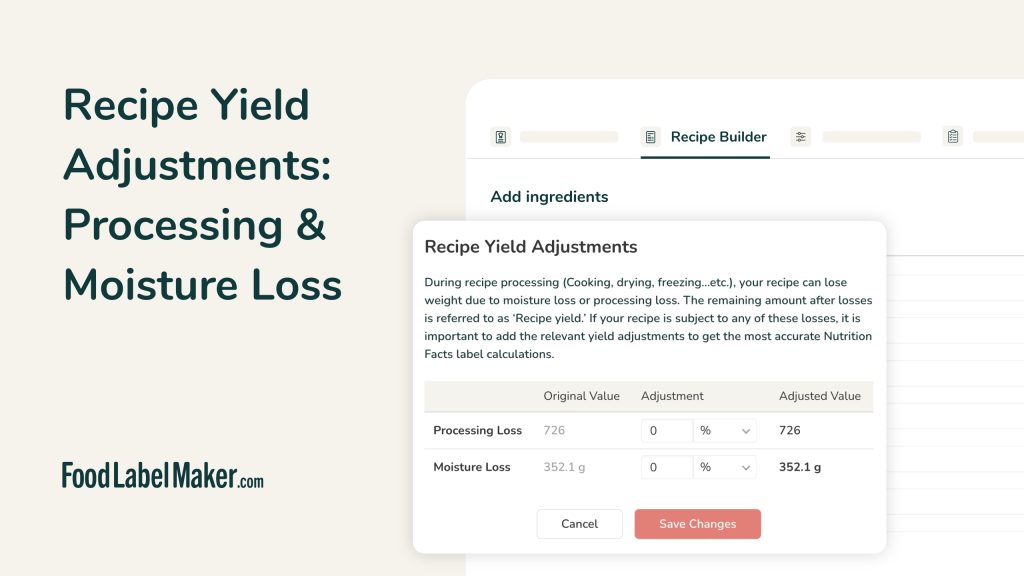
- Recipe Yield Adjustments: Processing & Moisture Loss (00:52)
-
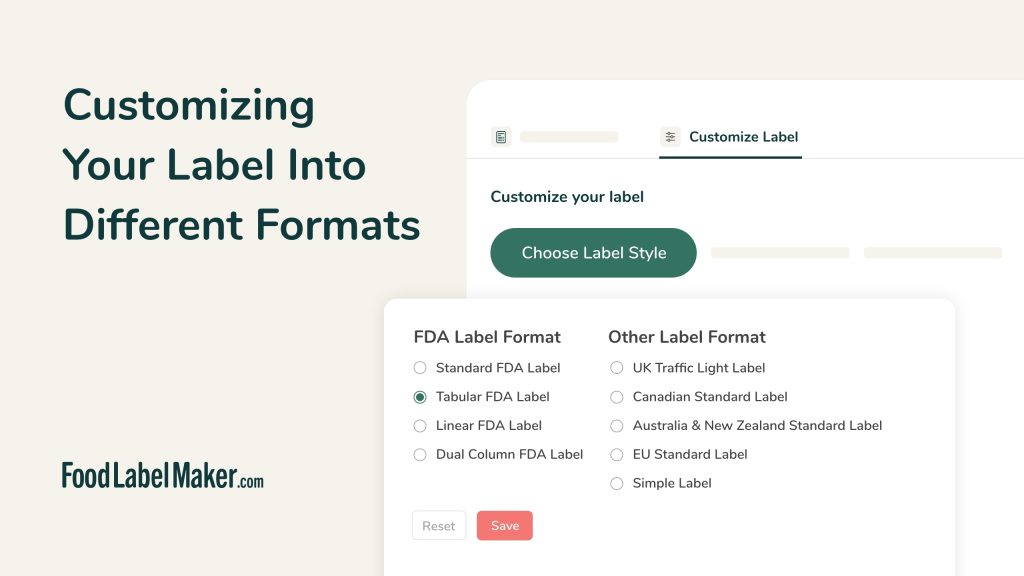
- Customizing Your Label Into Different Formats (01:01)
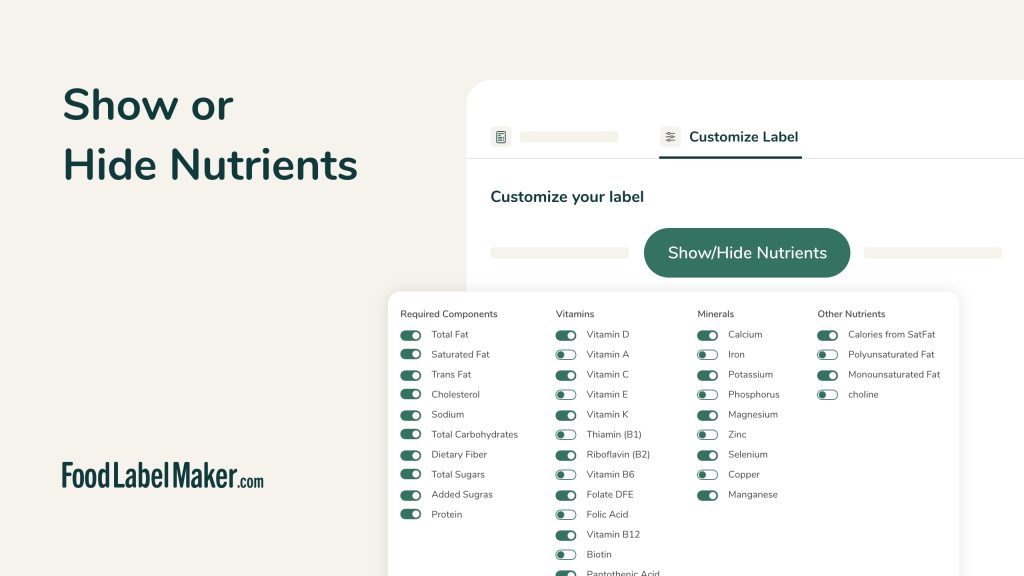
- Show Or Hide Nutrients (00:44)
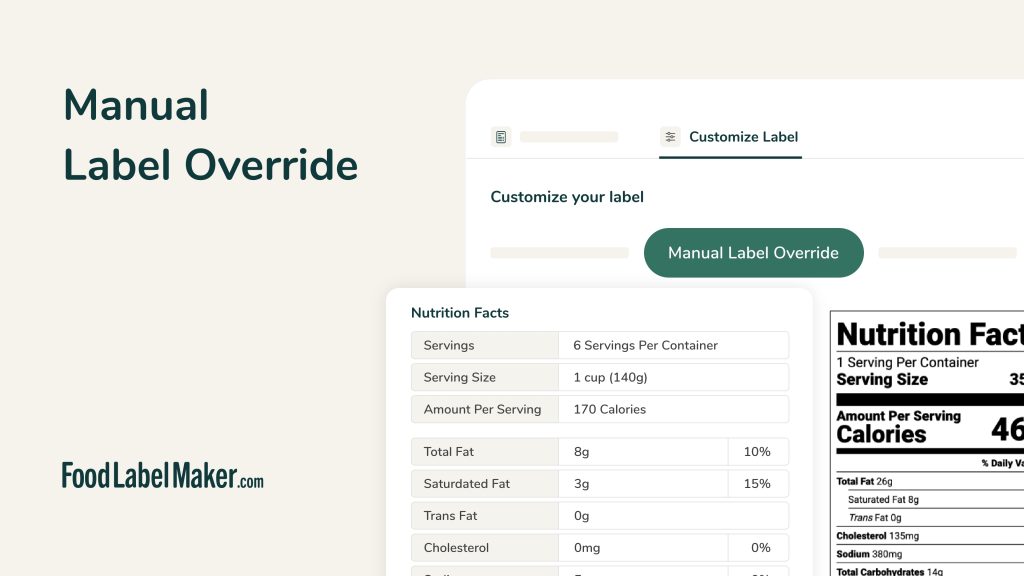
- Manual Label Override (00:45)
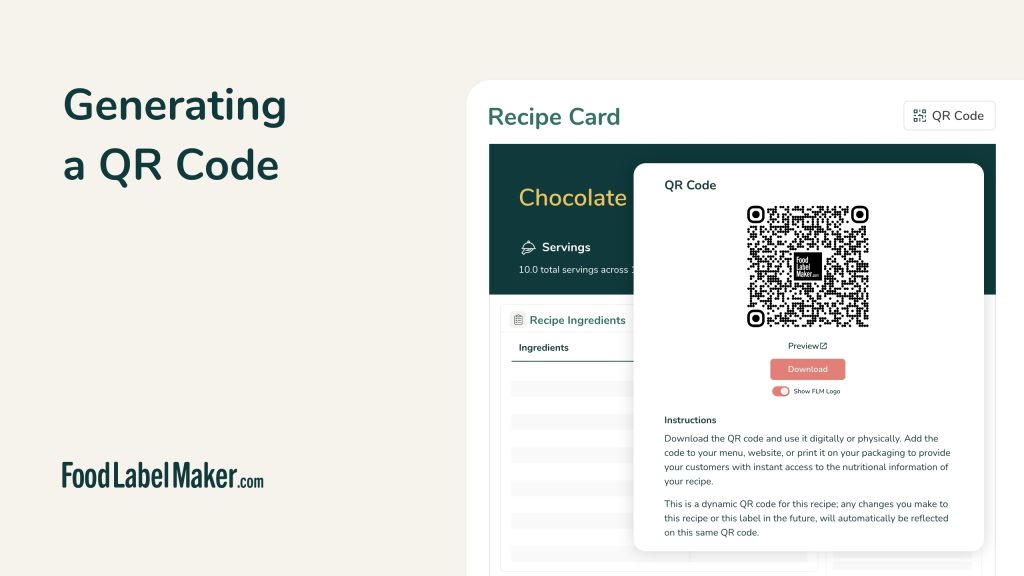
- Generating a QR Code (00:26)
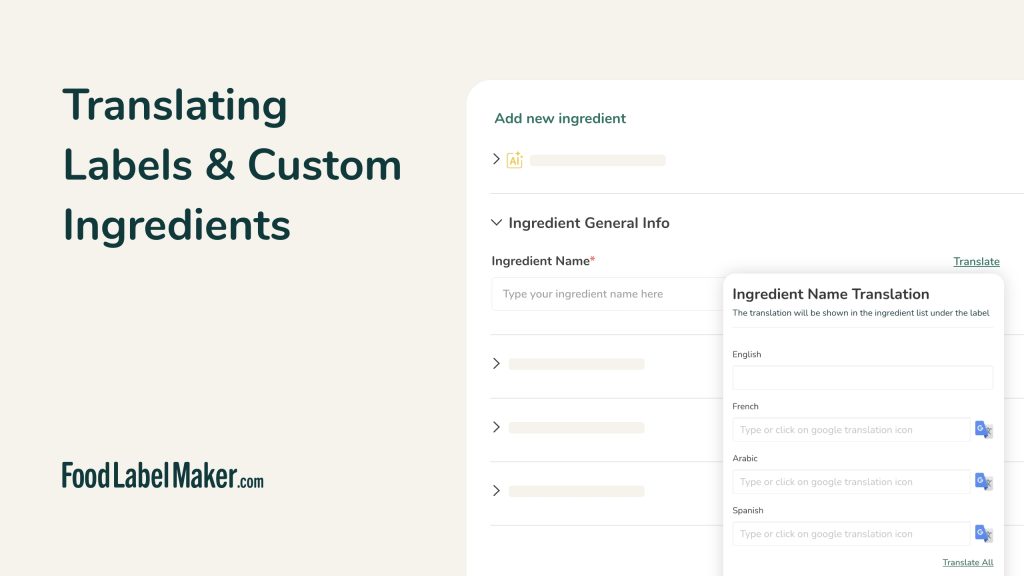
- Translating Labels & Custom Ingredients (01:15)
-
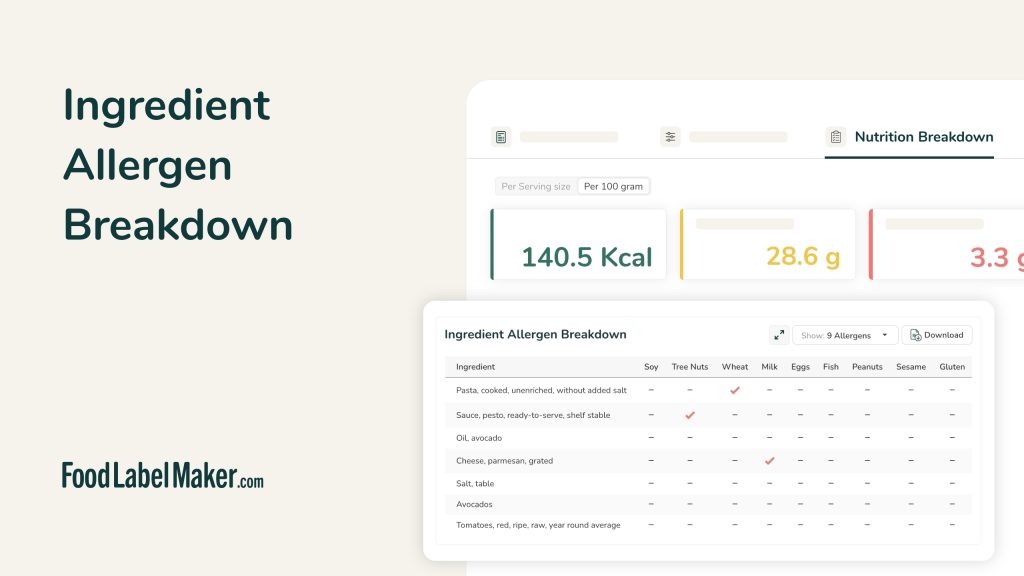
- Ingredient & Allergen Breakdown (00:47)
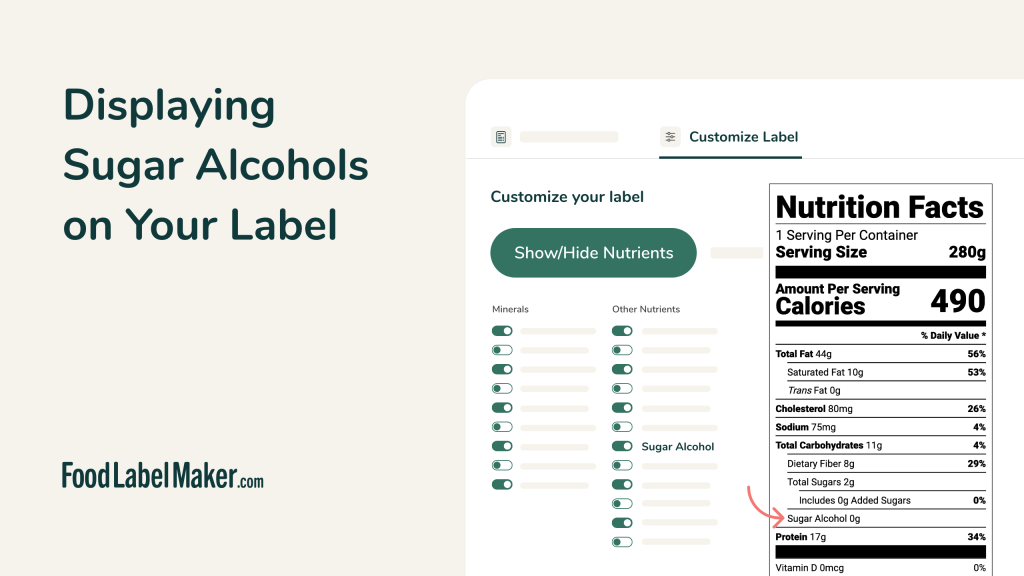
- Displaying Sugar Alcohols on Your Label (01:23)
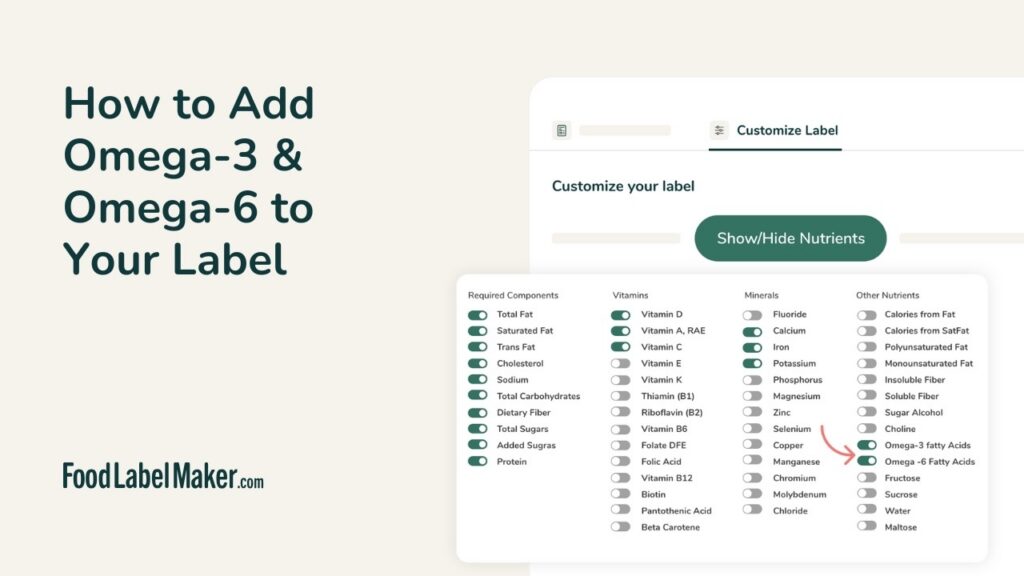
- How to Add Omega 3 & Omega 6 to Your Nutrition Label (01:26)
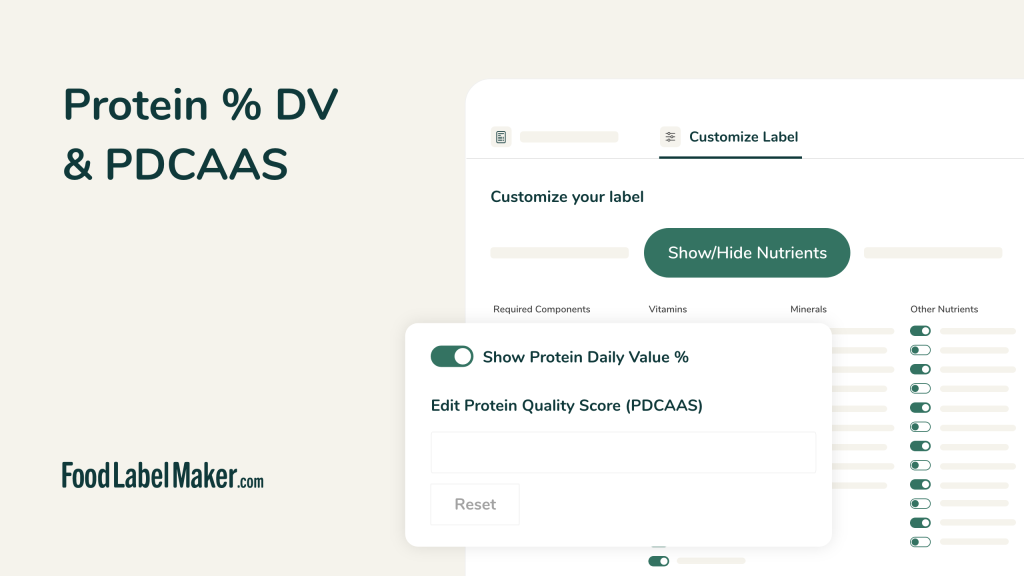
- Protein % DV & PDCAAS (01:25)
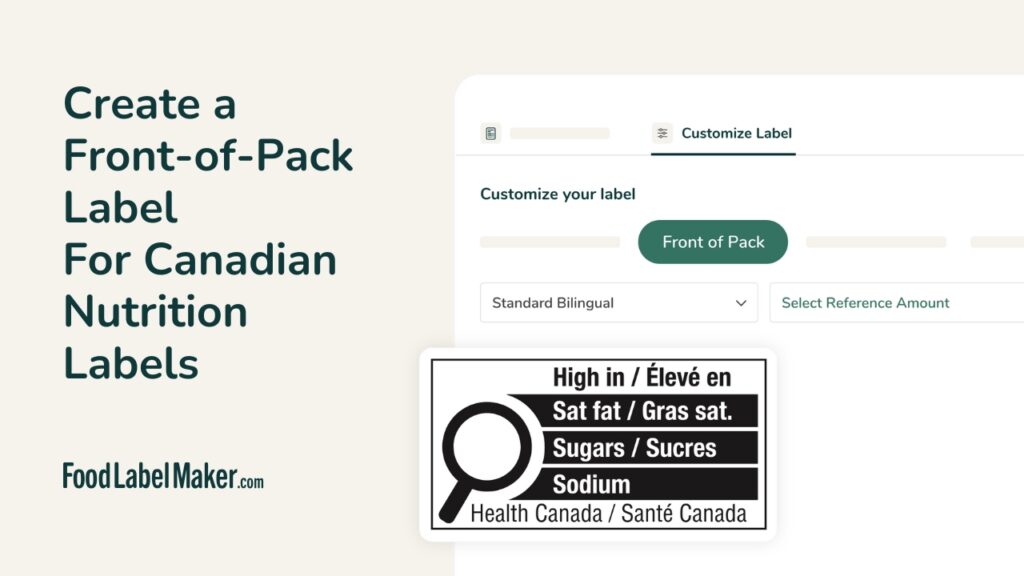
- Front-of-Pack Label for Canadian Nutrition Labels (01:23)
- AI RACC Check (01:03)
-
- Download and Save Your Recipe (00:15)
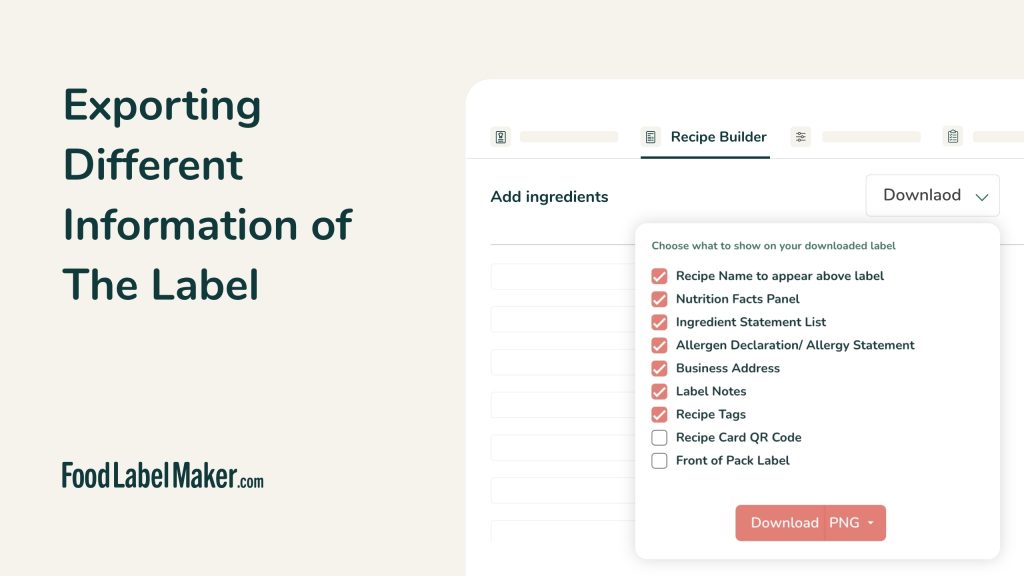
- Exporting Different Information from the Label (00:14)
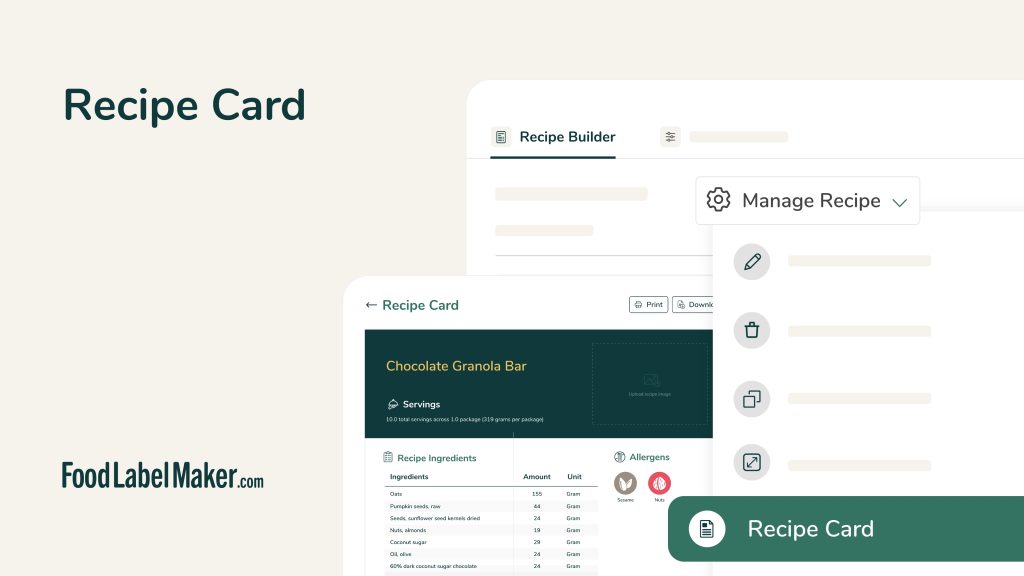
- Recipe Card (01:02)
- Recipe Costing (02:38)
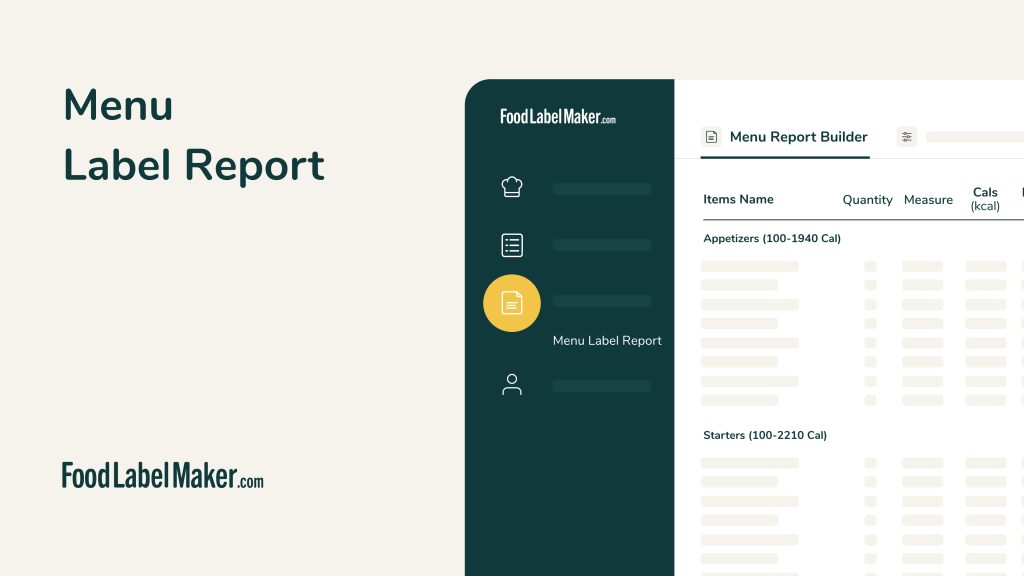
- Menu Label Report (01:10)
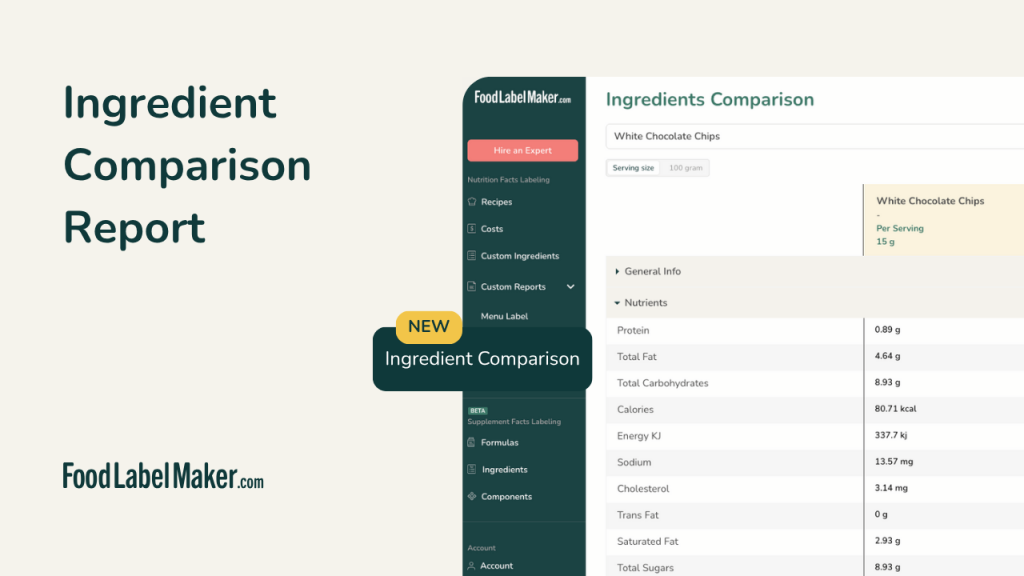
- Ingredient Comparison Report (01:16)
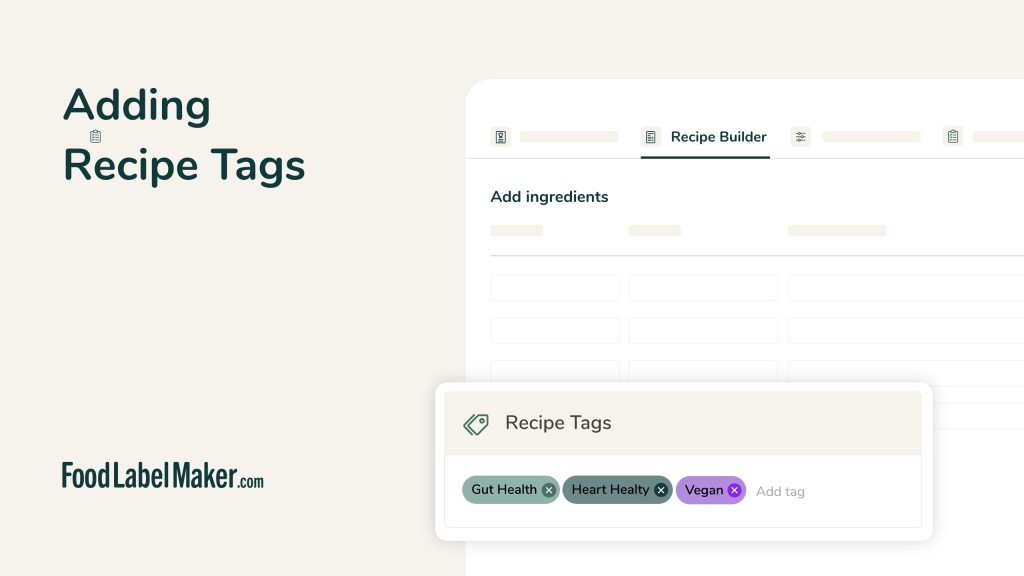
- Recipe Tags (00:52)
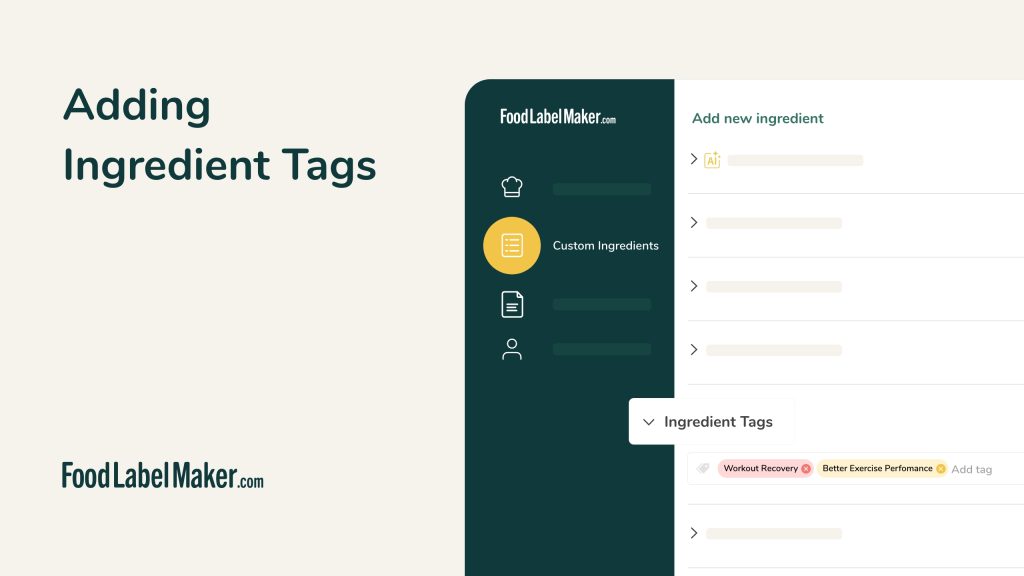
- Ingredients Tags (01:30)
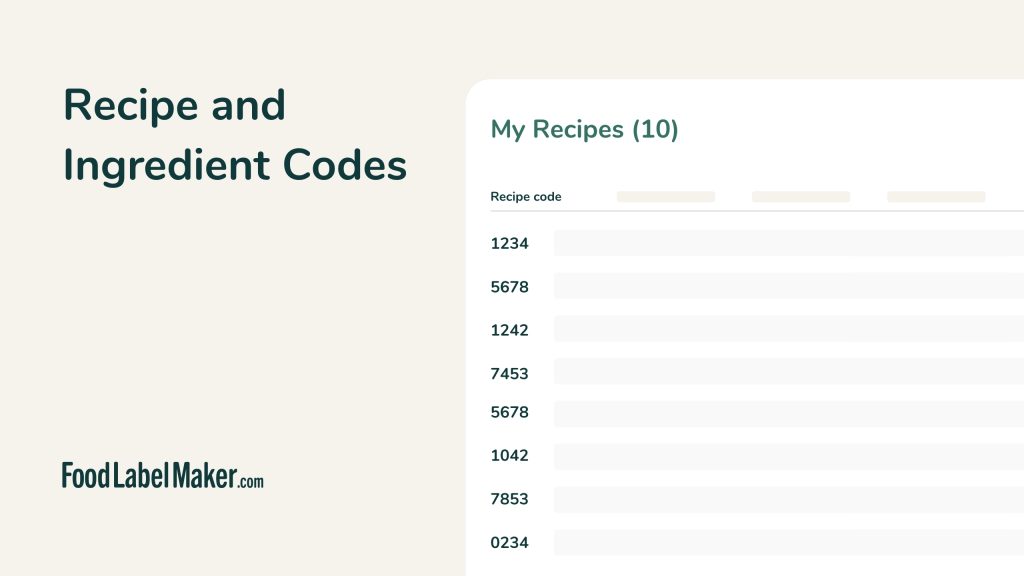
- Recipe and Ingredient Codes (01:17)